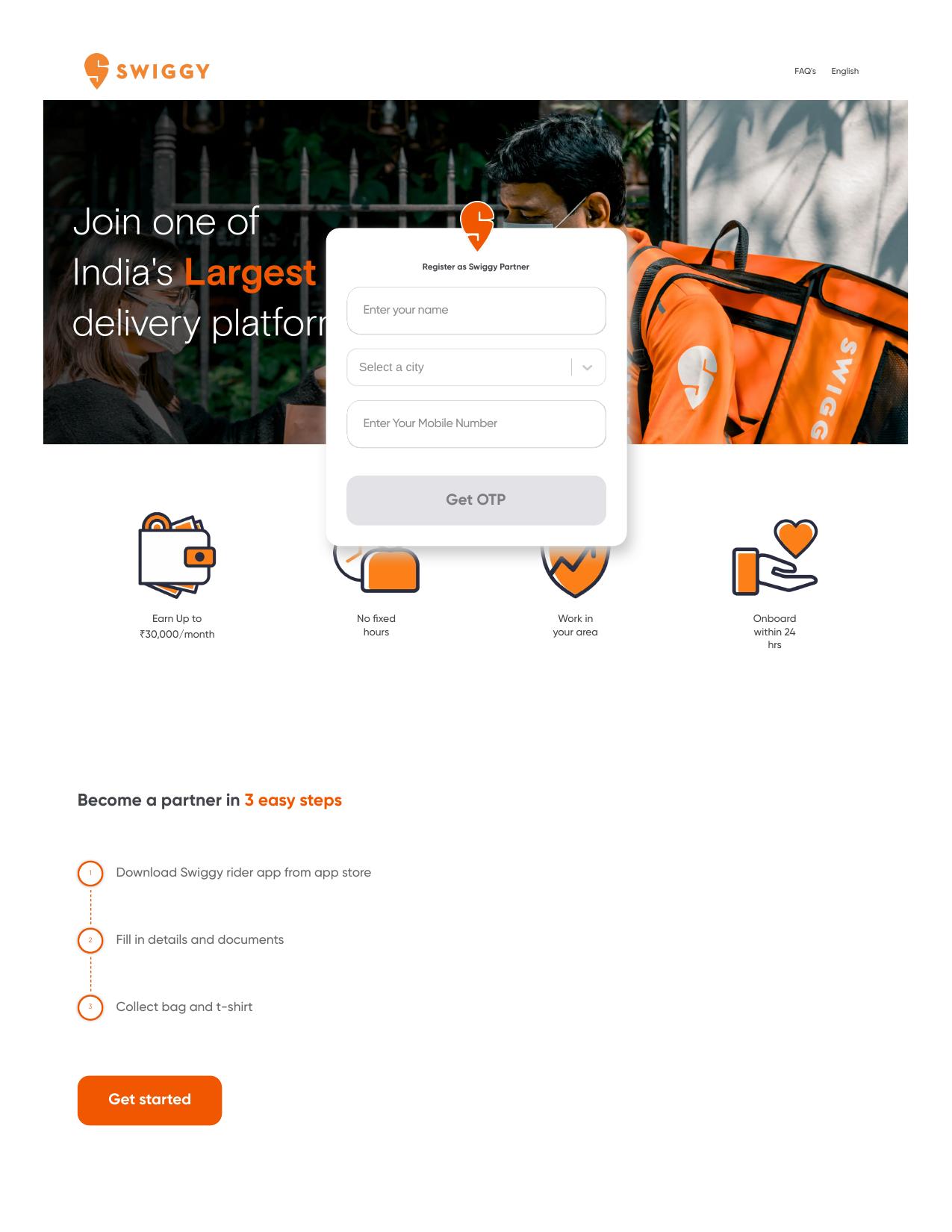
Download the app
Download the Swiggy Delivery Partner App from the Google Play Store or App Store (you can also start from ride.swiggy.com). Video help: https://www.youtube.com/watch?v=Dr_BwI1tnFo and https://www.youtube.com/watch?v=qZ7nD3tJeSQ
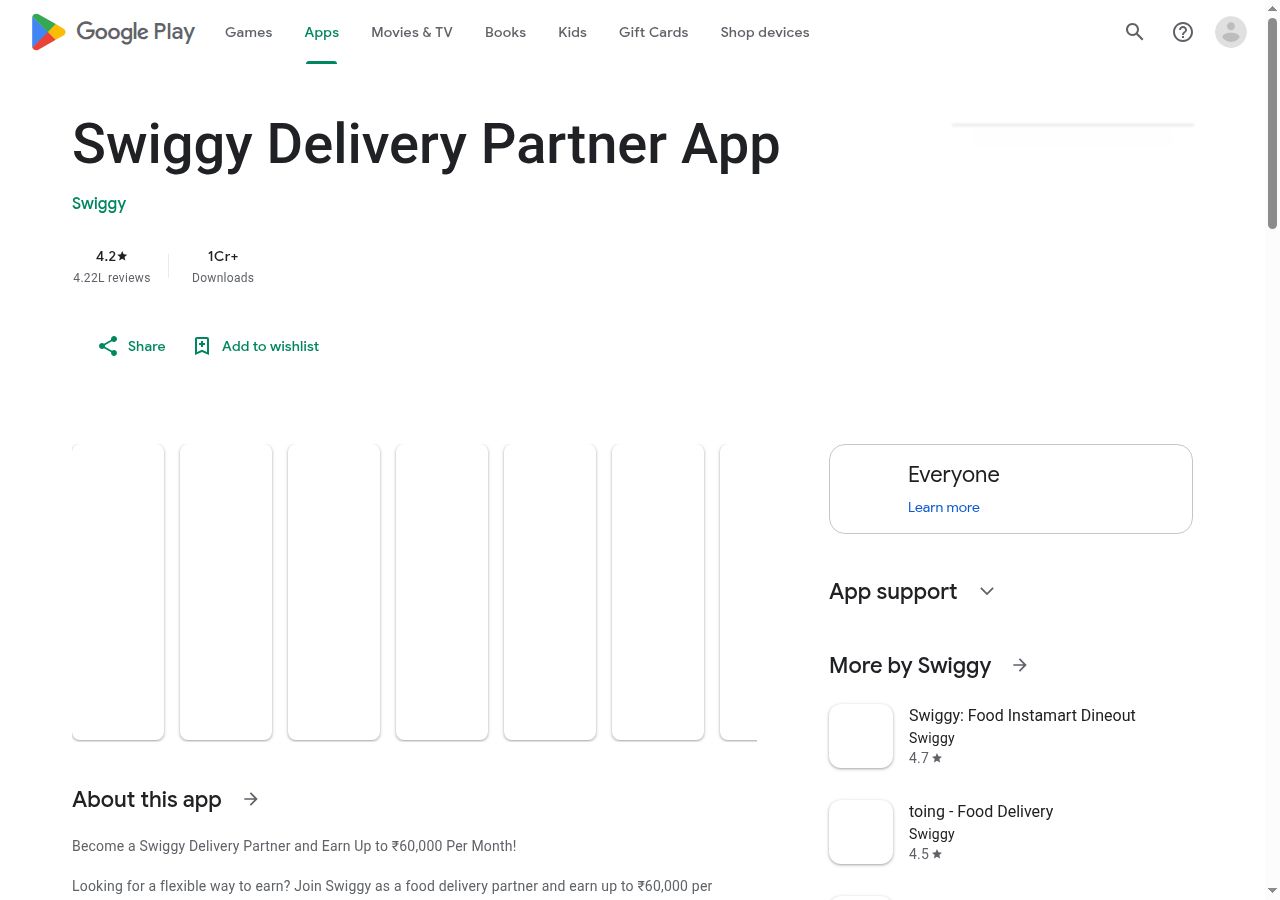
A step-by-step guide to applying for this job on the organisation's official website — what to fill, what to upload, and what each screen looks like.
Download the Swiggy Delivery Partner App from the Google Play Store or App Store (you can also start from ride.swiggy.com). Video help: https://www.youtube.com/watch?v=Dr_BwI1tnFo and https://www.youtube.com/watch?v=qZ7nD3tJeSQ
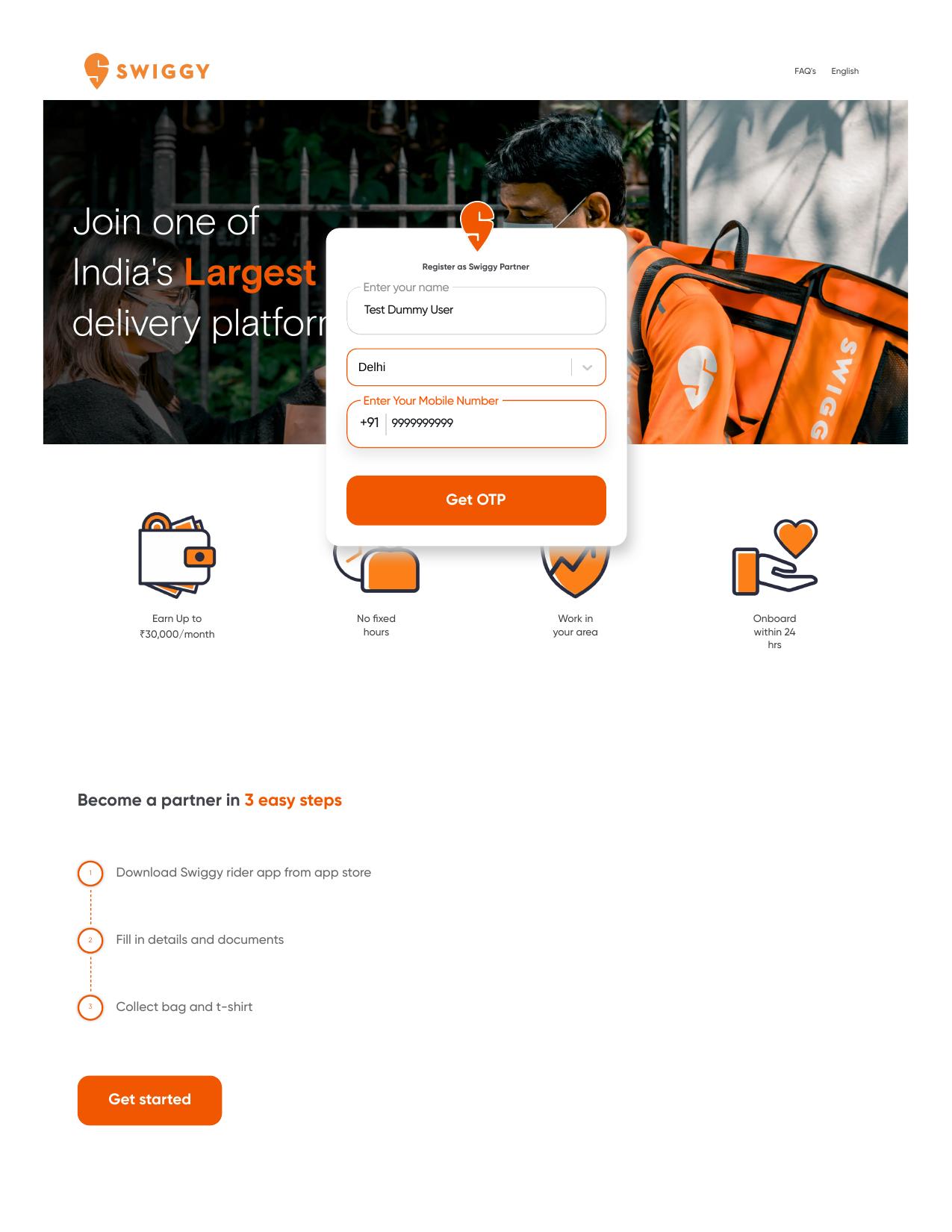
Upload your documents: Aadhaar card or voter card, PAN card, driving licence (not needed if you deliver by cycle) and bank details. Documents you do not have yet can be shared later.
Complete the onboarding process in the app.
Get your uniform and delivery bag delivered to your home.
Choose your shifts and start delivering orders and earning.
Always read the official notification before applying. KAMALDNP only shares information — applications are submitted on the organisation's own website. Never pay anyone who promises you a job.